If you build like an indie hacker in 2026, your bottleneck is rarely typing speed. With AI for coding baked into editors, you can scaffold features in minutes. The real slowdown shows up later, when you need to undo a bad change, test an API edge case, explain a messy flow to yourself, or make your app run the same on every machine. That is why the best developer tools are the ones that keep your whole workflow tight, from first commit to a demo someone else can actually use.
What follows is a practical stack of seven tools we see repeatedly in high-output teams and solo builders. Not because each one is trendy, but because together they reduce the three things that kill momentum: context switching, uncertainty, and rework.
The pattern behind the best developer tools: reduce rework, not keystrokes
Most “tool stack” advice focuses on features. In practice, the winning pattern is simpler: pick tools that make failure cheap.
Cheap failure means you can try an approach, realize it is wrong, and recover fast. It also means you can hand your project to a teammate, a future you, or even an investor running your demo, and it still behaves predictably.
A quick litmus test: if a tool helps you answer “what changed, why did it change, and how do I roll it back” in under a minute, it belongs in a serious workflow.
1) Git and GitHub: the safety net you stop noticing
Every fast builder eventually learns the same lesson. Speed comes from taking bigger swings, and bigger swings require a safety net.
Git is that safety net. When you are iterating quickly, you will break things. You will also “fix” things that were not broken. Git turns those moments from panic into routine. Branching is not bureaucracy. It is optionality. You can explore without committing to the idea.
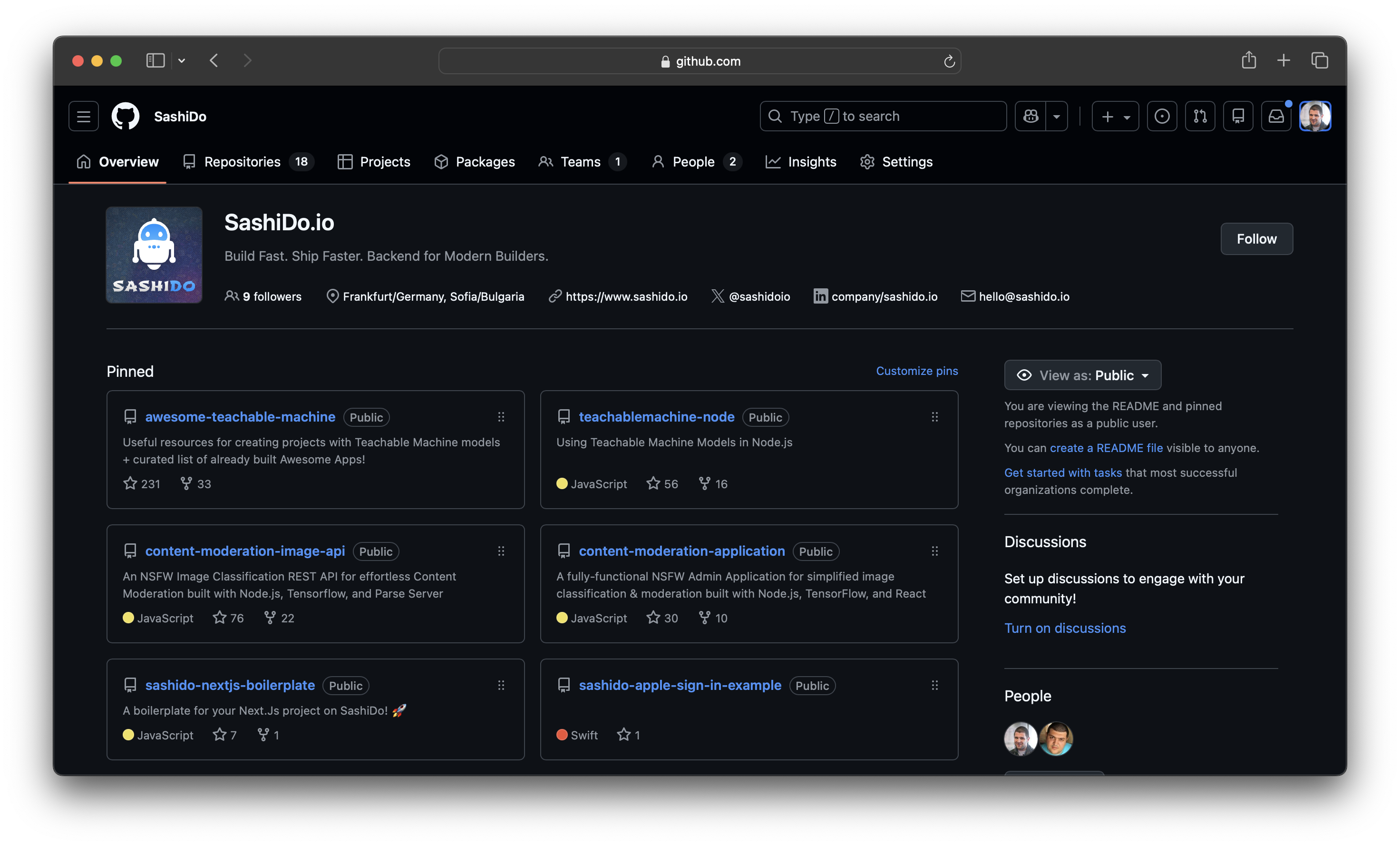
GitHub complements Git by making the work legible. Even if you are solo, pull requests are still useful because they create a checkpoint. You get a focused diff, a review surface for your own future self, and a place to attach decisions.
A practical habit that pays off immediately is writing commits like a timeline of decisions, not a dump of changes. When you later ask an AI assistant to help debug or refactor, a clean history gives it better context and gives you a clear "undo" path.
Quick Git command cheatsheet for daily workflows:
git commit --amend- Fix your last commit message or add forgotten filesgit reset --soft HEAD~1- Undo the last commit but keep your changes stagedgit reflog- View your complete history, even "deleted" commitsgit rebase -i HEAD~3- Clean up your last 3 commits before pushinggit stash/git stash pop- Temporarily shelve changes when switching contexts
For example, if you realize your feature branch has messy commits before opening a PR, run git rebase -i HEAD~5 to squash related changes into logical units. Your future self (and any AI assistant reading the history) will thank you.
For canonical references, Git's own documentation is the best place to refresh fundamentals like resets, rebases, and reflog recovery. See the official Git documentation when you need the exact, reliable behavior. The Atlassian Git tutorials also provide practical examples for common workflows.
2) Cursor: a VS Code alternative that makes refactors feel smaller
A lot of the “top code editors” conversation is really about two things: how quickly you can navigate a codebase, and how safely you can change it.
Cursor sits in an interesting spot as a VS Code alternative that still feels familiar, but adds AI-native workflows that reduce the friction of edits. The biggest productivity gain is not autocompletion. It is being able to point at a file and say: “Change this behavior, update the call sites, and keep the tests passing.” Then you review the diff like you would review a teammate’s pull request.
Where Cursor tends to shine for solo builders is when you are doing structural work.
You might start with a quick prototype, then realize you need to split a module, rename a concept, or move logic out of the UI layer. Those are the moments where people stall because the change touches too many files. A good AI-first editor makes those refactors feel bounded.
The trade-off is worth stating plainly. AI editors can make changes faster than you can reason about them, which means you need a discipline loop: small diffs, frequent commits, and quick regression checks. Cursor helps with the first two. Git helps with the third.
3) Claude Code: when you need repo-level reasoning, not snippets
There is a big difference between “AI that helps you write code” and “AI that helps you understand your code.” The second one matters more once your repo has enough moving parts that you cannot hold it all in your head.
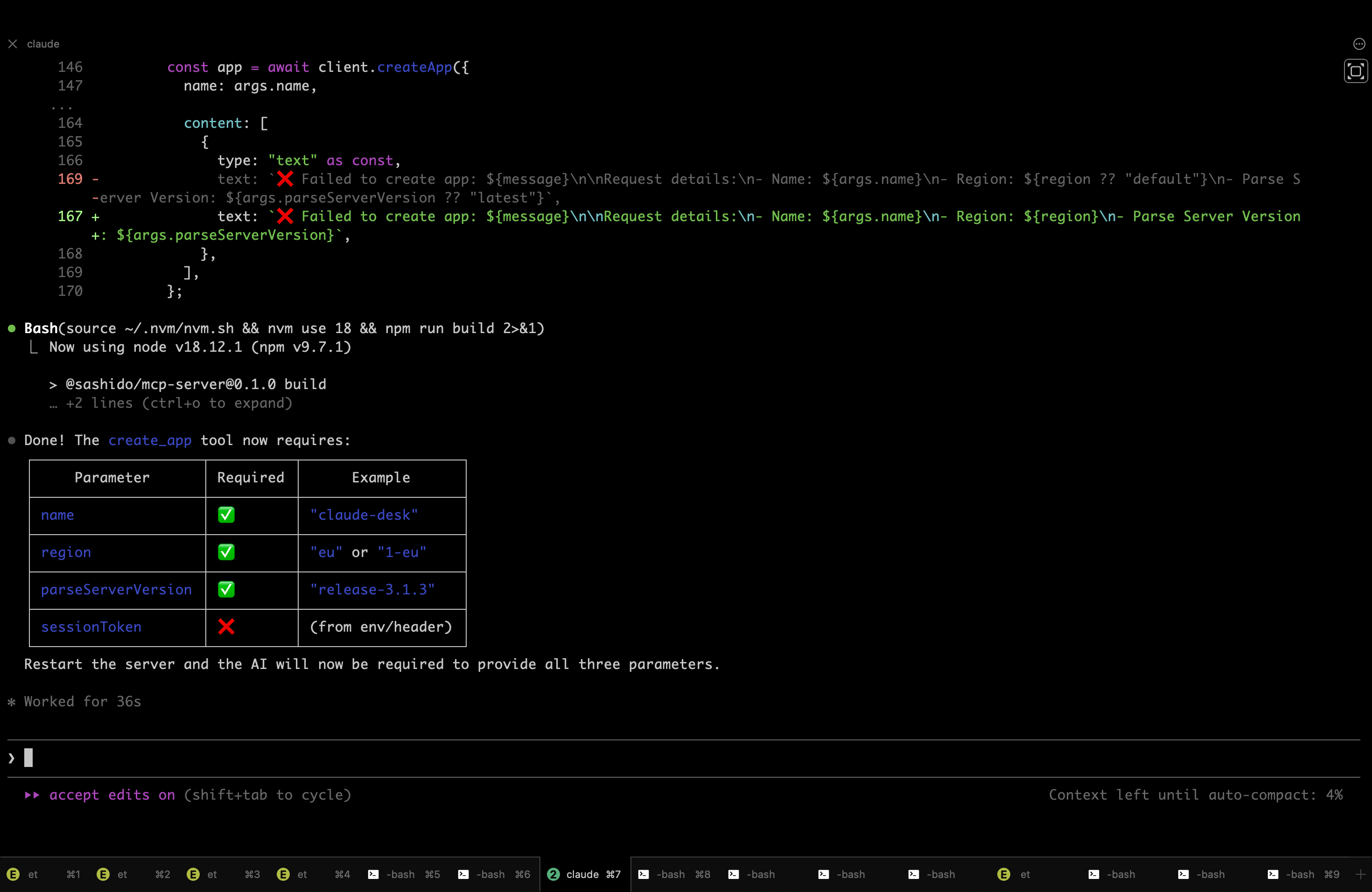
Tools like Claude Code are valuable when you are:
- tracing a bug across multiple layers (client state, API boundary, storage)
- planning a change that touches several modules
- trying to reduce complexity by consolidating duplicate logic
The key is to treat it like a collaborator that reads first and edits second. Ask it to summarize the flow, list risky edges, and propose a plan. Then accept changes in small increments.
This is also where a clean repository structure becomes a force multiplier. If your backend and frontend are tangled, no AI tool saves you. If your layers are clear, AI assistants become remarkably effective.
Practical Claude Code workflow tips:
- Start conversations with context: "Read the auth flow in
/src/authand/api/login, then explain the token refresh logic" - Use it to generate architectural decision records (ADRs) after making structural changes
- Ask it to identify code duplication across modules before refactoring
- Request test coverage analysis: "Which edge cases are missing tests in the payment flow?"
- Have it create migration plans: "List all files that need changes to move user validation to a middleware"
For teams that want to standardize their Claude Code workflows, the .claude project skeleton provides a portable structure with enforceable coding principles, specialized agents for different tasks, and 14 slash commands for common development workflows. It includes templates for architecture guides, codebase maps, and business logic documentation that help Claude (and your team) maintain context across sessions.
4) Postman: the fastest way to debug reality (including Postman GraphQL)
APIs rarely fail in the way your unit tests expect. They fail in messy, real-world ways: expired tokens, missing headers, inconsistent payloads, and timeouts that only happen when a certain field is present.
Postman is still one of the best coding software choices for confronting that reality quickly. The moment you are doing anything beyond a toy app, you need a place where you can pin down:
- the exact request that fails
- the exact response you got
- whether it is auth, validation, or server logic
Postman is also helpful when your API surface includes both REST and GraphQL. If you are using Postman GraphQL, you can iterate on queries, variables, and auth headers without rewriting client code each time.
The payoff is speed and clarity. The trade-off is that you can accidentally treat Postman as “manual testing forever.” The sweet spot is using it to discover edge cases, then converting those discoveries into automated tests.
If you want a stable reference for features like collections, environments, and scripting assertions, the official Postman Learning Center is the most accurate source.
5) Excalidraw: diagrams that help you think, not impress
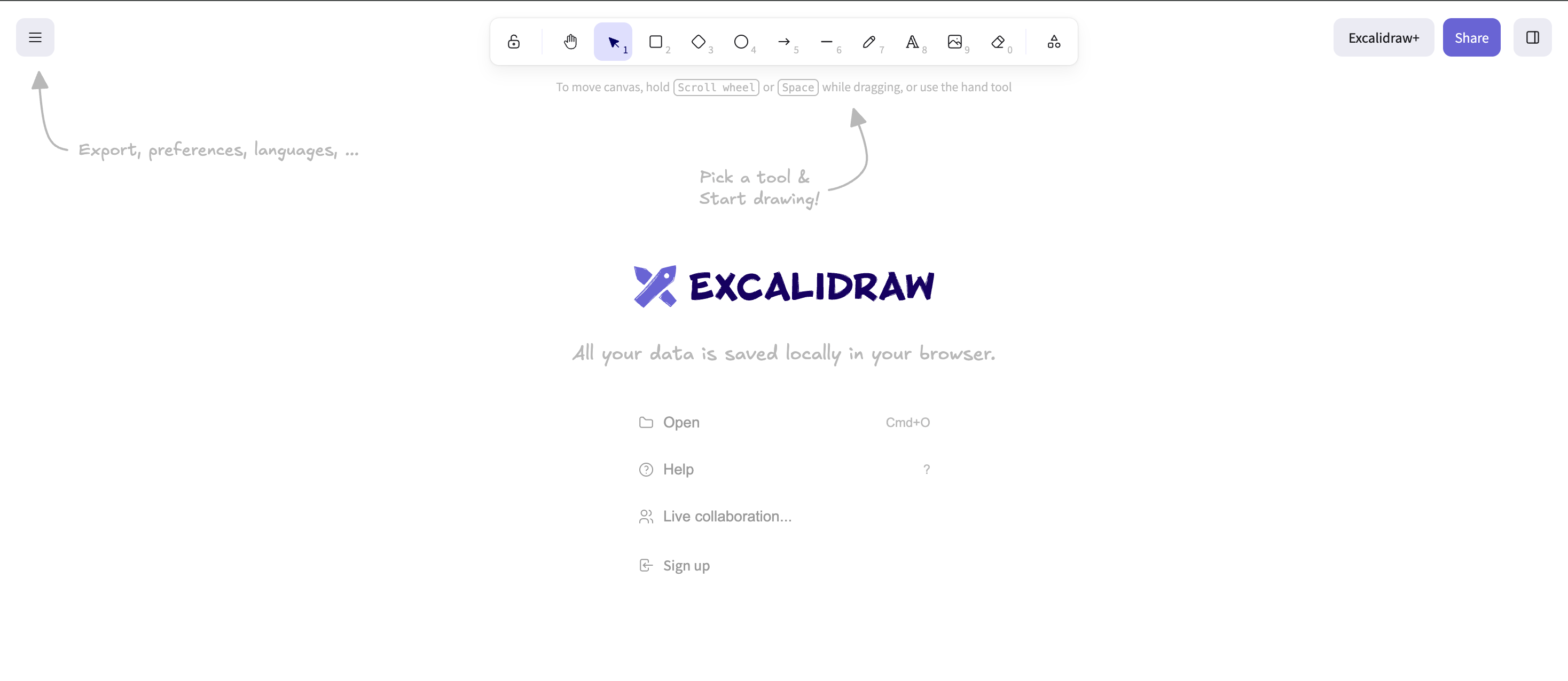
When your app is small, you can keep the architecture in your head. Then you add auth, background jobs, file uploads, webhooks, and notifications. Suddenly you are debugging a flow that spans five systems and two time zones.
This is where Excalidraw earns its place in the “software for developers” toolkit. Not as documentation theater, but as a thinking tool.
The real-world pattern looks like this: you are stuck. You think it is an API bug, but it might be a client caching issue, or a race between a background job and a realtime update. A quick diagram of the sequence. Even a rough one. Often reveals the missing step.
The reason Excalidraw works is that it keeps you moving. You can sketch a state machine, a request sequence, or a data model without getting dragged into alignment and pixel perfection.
6) Linear: a tiny layer of structure that protects your weekends
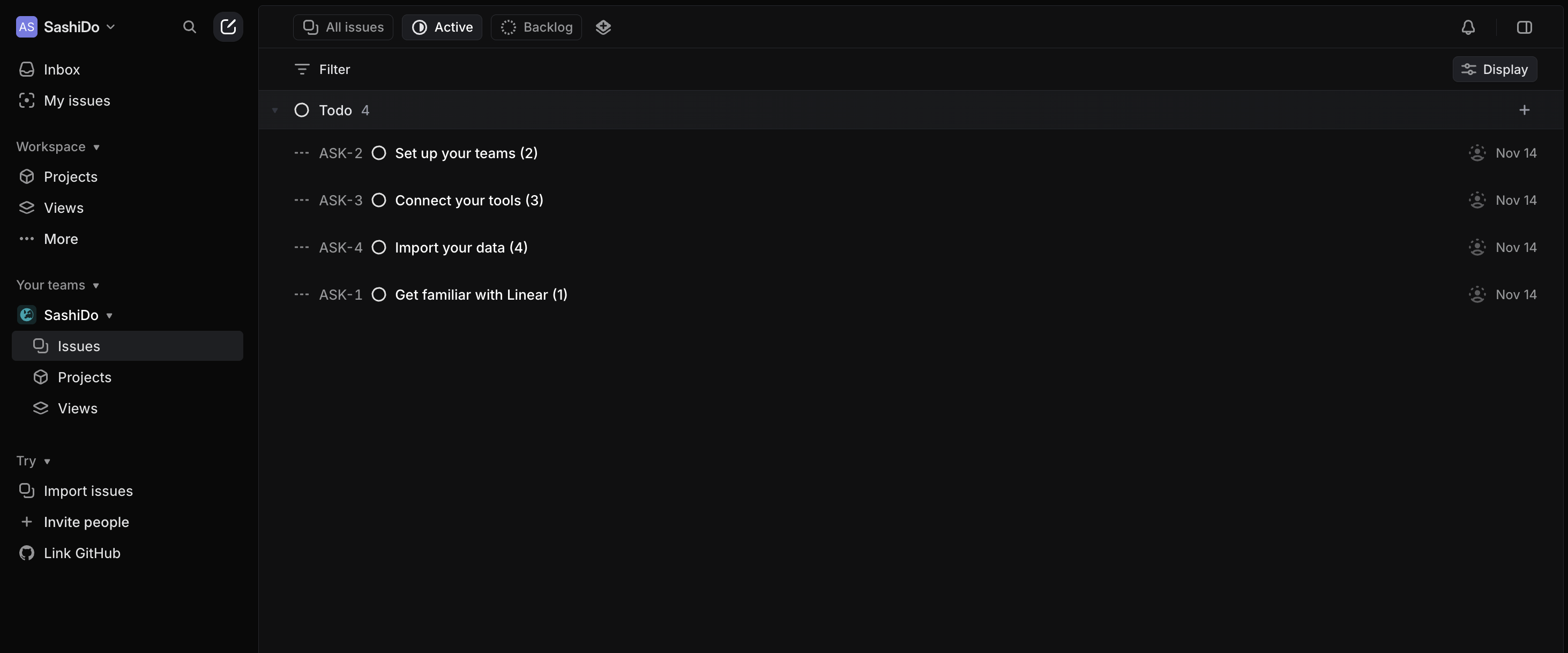
Indie hackers often avoid issue trackers because they feel like “team process.” Then the project grows and you end up with half-finished features, an unshippable branch, and a list of “small fixes” that you keep rediscovering.
Linear is effective because it is fast and minimal. It encourages small, clear issues and short cycles. For a 1-3 person team, the main benefit is not coordination. It is scope control.
A practical way to use it without over-processing is to track only:
- the next 5-10 concrete tasks that unblock shipping
- bugs that cost you more than 10 minutes twice
- decisions you do not want to re-litigate later
That is it. If it does not help you ship, it does not belong in the tracker.
7) Docker Desktop: eliminate “works on my machine” before it happens
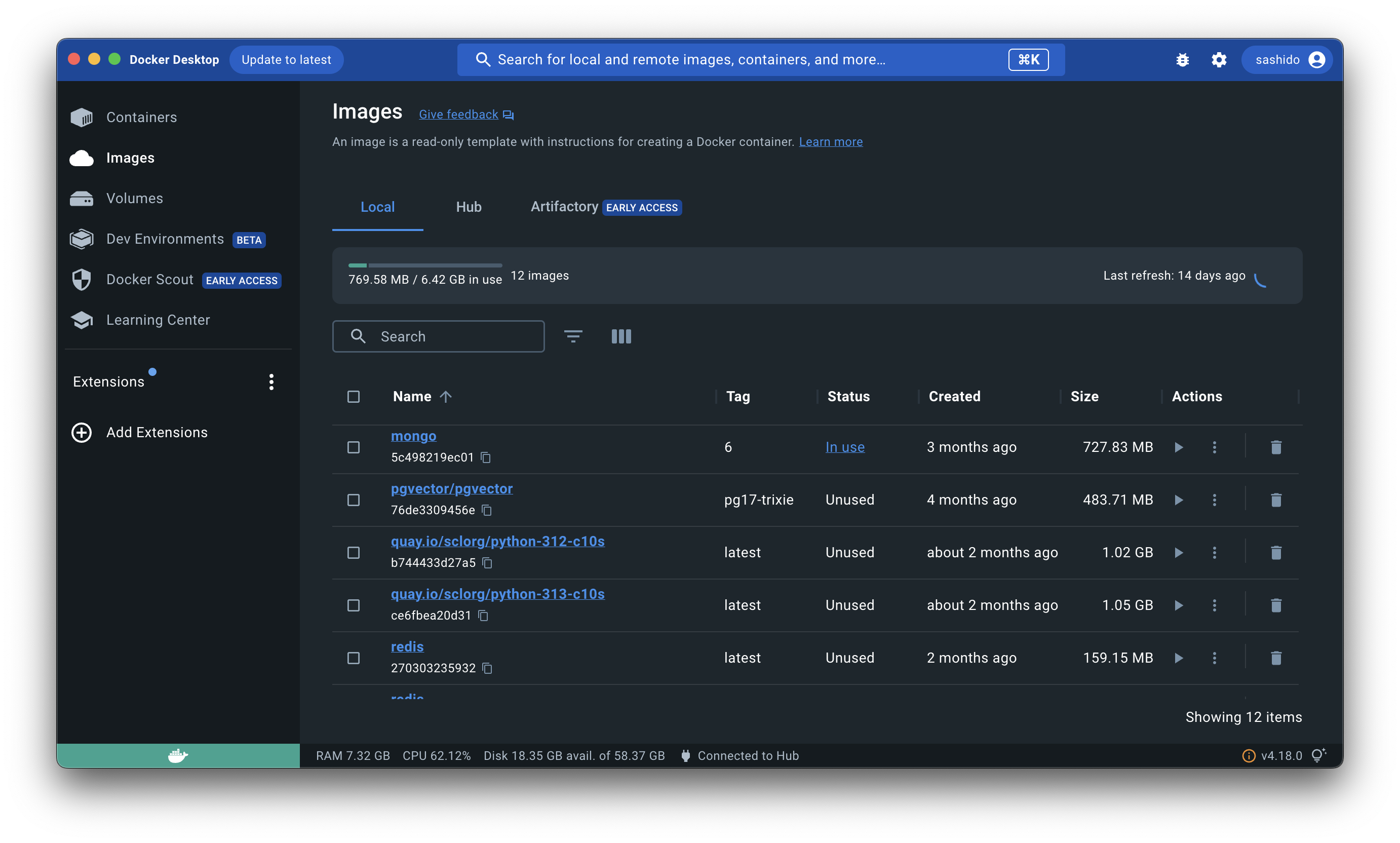
Docker is not exciting, but it prevents the kind of friction that kills demos.
If you have ever tried to run your project on a fresh laptop, or helped a friend test your app, you have felt the pain: version mismatches, missing services, environment variables, and mystery ports. Docker turns your environment into a reproducible artifact.
For AI-first builders, this matters even more because your stack often includes extra moving parts: queues, background workers, vector stores, and one-off scripts. Docker gives you isolation, predictability, and a clean reset.
When you need authoritative guidance on images, containers, and Compose behavior, stick to the official Docker documentation. It is the closest thing to a source of truth.
How the best developer tools fit together (and where backends usually slow you down)
Here is the uncomfortable truth. For most small teams, tooling is not the problem. The missing piece is a repeatable path from idea to a working backend.
You can have the best code editor, the best AI for coding, and a clean Git workflow, then lose two days wiring up authentication, database CRUD, file storage, background jobs, and push notifications. Or worse, you get it working, but it is fragile. You are scared to change it because you do not have time to harden it.
This is the moment when backend choices decide whether you ship.
The general principle is to keep the backend boring and composable. You want:
- a database that is ready immediately
- an auth system that is secure by default and supports social login
- a way to store and serve files without becoming a part-time DevOps engineer
- serverless functions and jobs for the glue logic you cannot avoid
- realtime when the product actually needs it, without rebuilding your architecture
Authentication in particular is a place where “quick hacks” turn into long-term risk. OWASP’s Authentication Cheat Sheet is a good reminder of what can go wrong when you roll your own.
Realtime is similar. WebSockets are powerful, but you want to understand the core behavior and failure modes before you depend on them. The protocol itself is specified in RFC 6455, and reading the high-level parts helps you reason about reconnects, message ordering, and intermediaries.
A practical shortcut we built for this exact bottleneck
Once the principle is clear, the implementation choice becomes obvious. You want a backend that collapses setup work into minutes, and still scales when your prototype stops being a prototype.
That is why we built SashiDo - Backend for Modern Builders. Every app comes with a MongoDB database with a CRUD API, a complete user management system with social logins, file storage backed by an object store and CDN, serverless functions you can deploy quickly in Europe and North America, realtime over WebSockets, scheduled and recurring jobs, and mobile push notifications for iOS and Android.
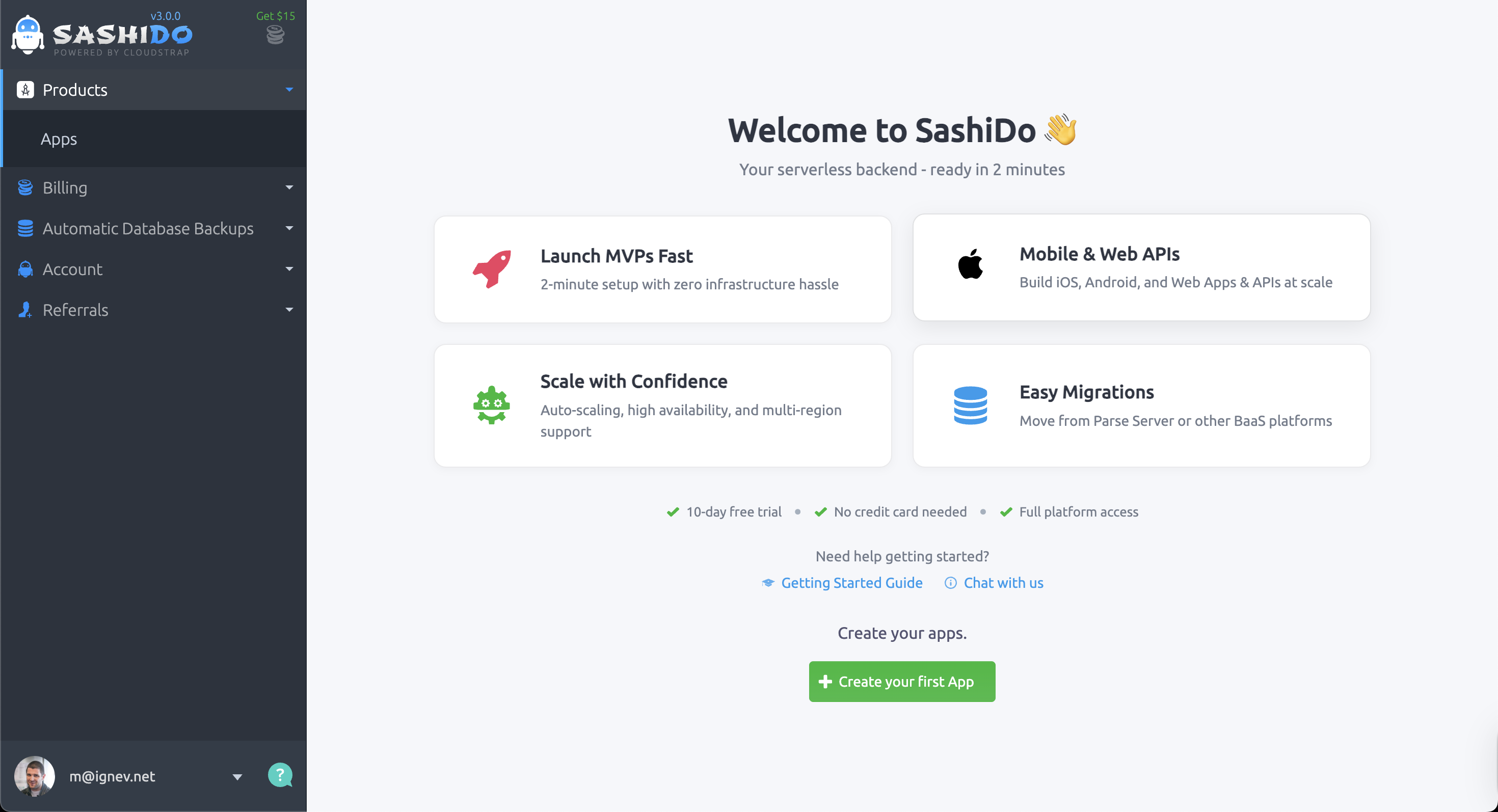
For a solo founder, the practical win is not “more features.” It is fewer decisions before you can show a working demo. If you want a concrete path, our Getting Started Guide walks through the initial setup without hand-wavy steps, and our documentation covers the Parse platform and SDK details when you need to go deeper.
When pricing matters, the only safe approach is to check current numbers in one place, because they change as plans evolve. We keep that up to date on our pricing page, including the 10-day free trial and the way usage-based add-ons are calculated.
A quick “shipping” checklist you can actually follow
Tool stacks fail when they become aspirational. The goal is not to use everything. The goal is to reduce the number of times you lose an afternoon.
If you want a lightweight checklist that works for most web and mobile projects, start here:
- Use Git branches for anything that might take more than 30 minutes, and keep your commits small enough that you can revert without fear.
- Use an AI-first editor for refactors and boilerplate, but review diffs like you would review a PR from someone you trust. Fast is good. Unchecked is expensive.
- Validate endpoints in Postman before wiring them into your client, especially around auth flows and file uploads.
- Sketch flows the moment you feel confusion. If you cannot explain it on one page, it is probably too complex.
- Track only shippable work in your issue tracker. If it does not unblock shipping, it is noise.
- Containerize early enough that a fresh machine can run the app without a half-day setup.
Choosing tools when budget and time are both tight
For indie hackers, the hidden cost is not subscription fees. It is attention.
Some tools save you money but demand constant maintenance. Others cost a little but buy back weekends. The right balance usually looks like this:
You keep your “core loop” tools close to the keyboard. Editor, Git, API testing. You invest in clarity tools when your project becomes non-trivial. Diagramming and issue tracking. And you avoid bespoke infrastructure until your product proves it deserves it.
If you are evaluating backend options, it is also reasonable to compare trade-offs around lock-in, SQL vs NoSQL, and operational control. If Supabase, Hasura, or AWS Amplify are on your shortlist, we keep our perspective transparent in our comparisons: SashiDo vs Supabase, SashiDo vs Hasura, and SashiDo vs AWS Amplify.
Conclusion: the best developer tools are the ones that keep momentum
The best developer tools do not just make you faster when things go well. They make you resilient when things go wrong.
Git and GitHub let you take risks without losing your footing. AI-first editors and repo-aware assistants turn refactors into small, reviewable diffs. Postman makes API reality visible early. Excalidraw keeps complexity from living only in your head. Linear protects your time by forcing clarity. Docker keeps your environment consistent enough that demos do not implode.
And when the backend is the thing slowing you down, the right move is to remove the setup burden so you can stay focused on product.
If your next milestone is a usable demo, it is worth exploring how a managed Parse backend can collapse auth, database, files, functions, jobs, realtime, and push into one setup. You can explore SashiDo's platform and see what you can ship with a 10-day free trial.
Frequently Asked Questions
What is the minimum viable tool stack for shipping a working app?
Git for version control, a code editor (Cursor or VS Code), an API testing tool (Postman), and a managed backend that handles auth and database. Everything else can be added as complexity demands it.
Should I use Docker from day one or wait until deployment?
Start with Docker once you have more than one service (database + app) or when a teammate needs to run your code. Waiting until deployment often means scrambling to containerize under pressure.
How do I know when to switch from solo builders tools to team collaboration features?
When you spend more than 30 minutes per week explaining what you changed, what broke, or what needs to happen next. That is the signal that async communication tools (PRs, issue tracking) will save time.
Are AI coding assistants worth the cost for indie hackers on a tight budget?
Yes, if you are doing structural refactors or working in unfamiliar parts of the stack. The time saved on boilerplate and navigation typically pays back the subscription within the first week.
What is the biggest mistake developers make when choosing their tool stack?
Picking tools for features instead of workflow fit. The best stack is the one that reduces friction in your specific bottlenecks whether that is deployment, debugging, or collaboration not the one with the most impressive feature list.
